
How Clayd's AI Feedback Helped Me Sculpt My Dog
How Clayd's AI Feedback Helped Me Sculpt My Dog
I wanted to create a clay sculpture of my terrier, so I used Clayd to help me through the process. Here's how I used the different features.
The Beginning: A Photo of My Best Friend
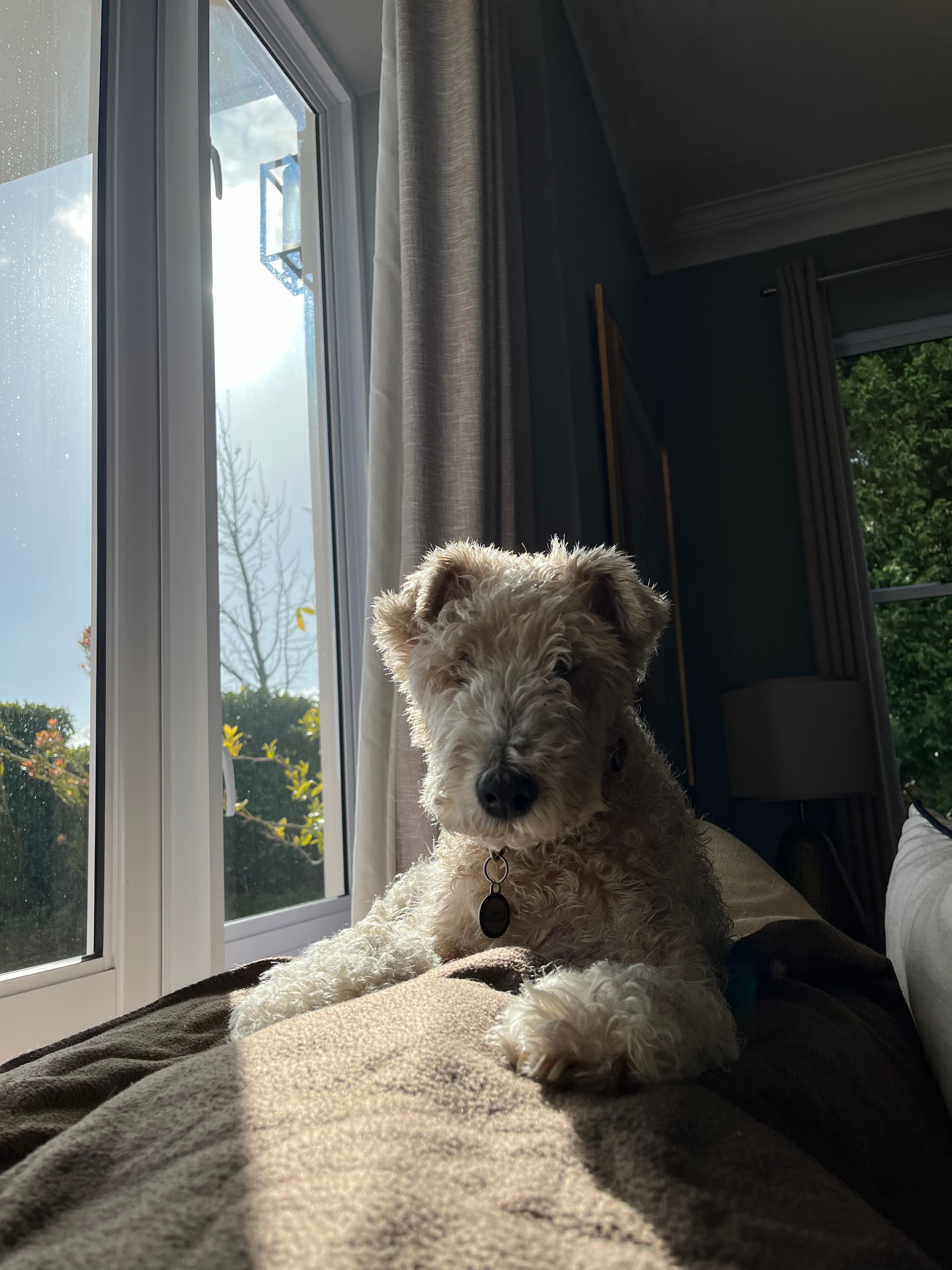
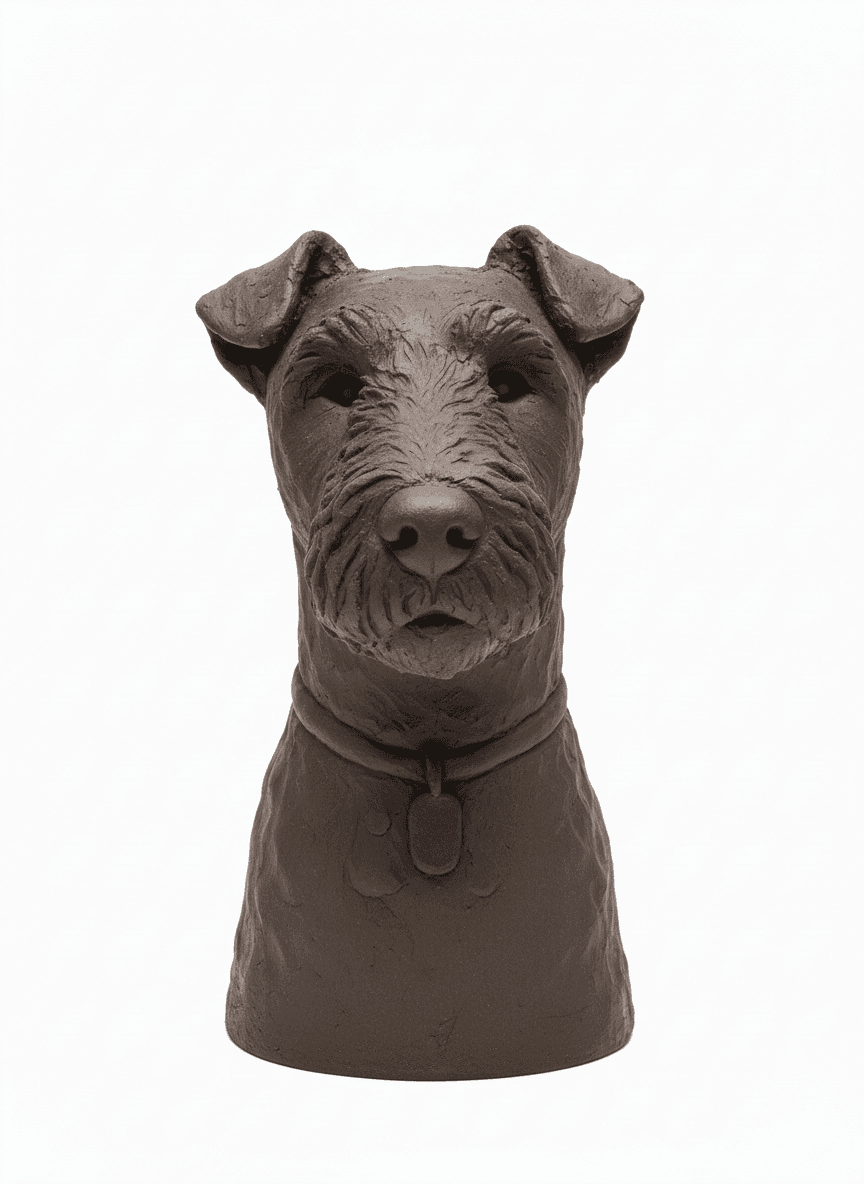
I started with a photo of my dog and uploaded it to Clayd to generate a pottery mockup. The mockup showed me how his features could translate into clay form - the proportions, ear placement, and how the scruffy coat texture might look.
Getting Started on the Sculpture
Using the mockup as reference, I built the basic form. The initial shaping went well, but when I got to the facial details and fur texture, I wanted to make sure I was staying on track with the design and not missing important details.
Using the Work-in-Progress Feedback
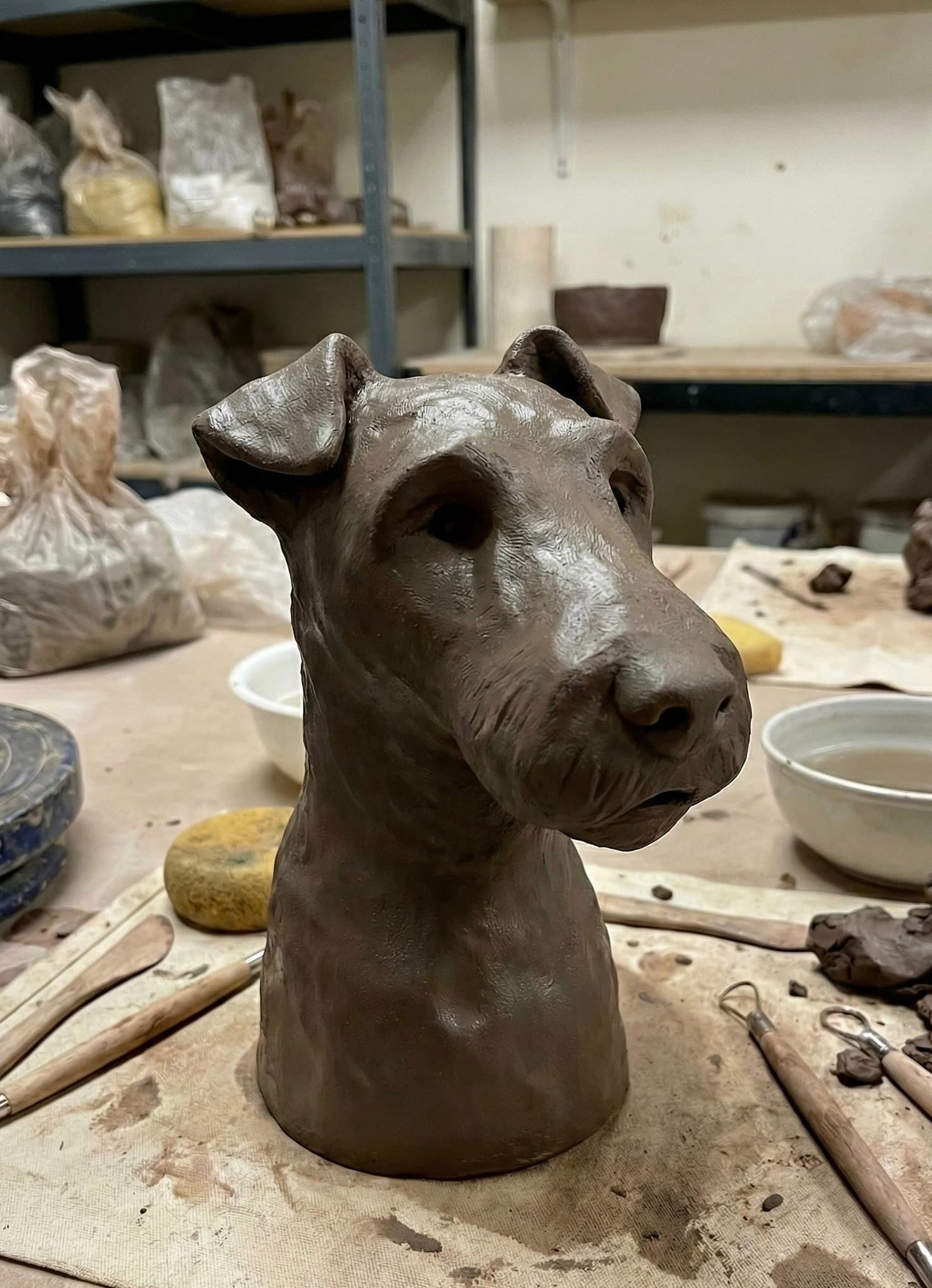
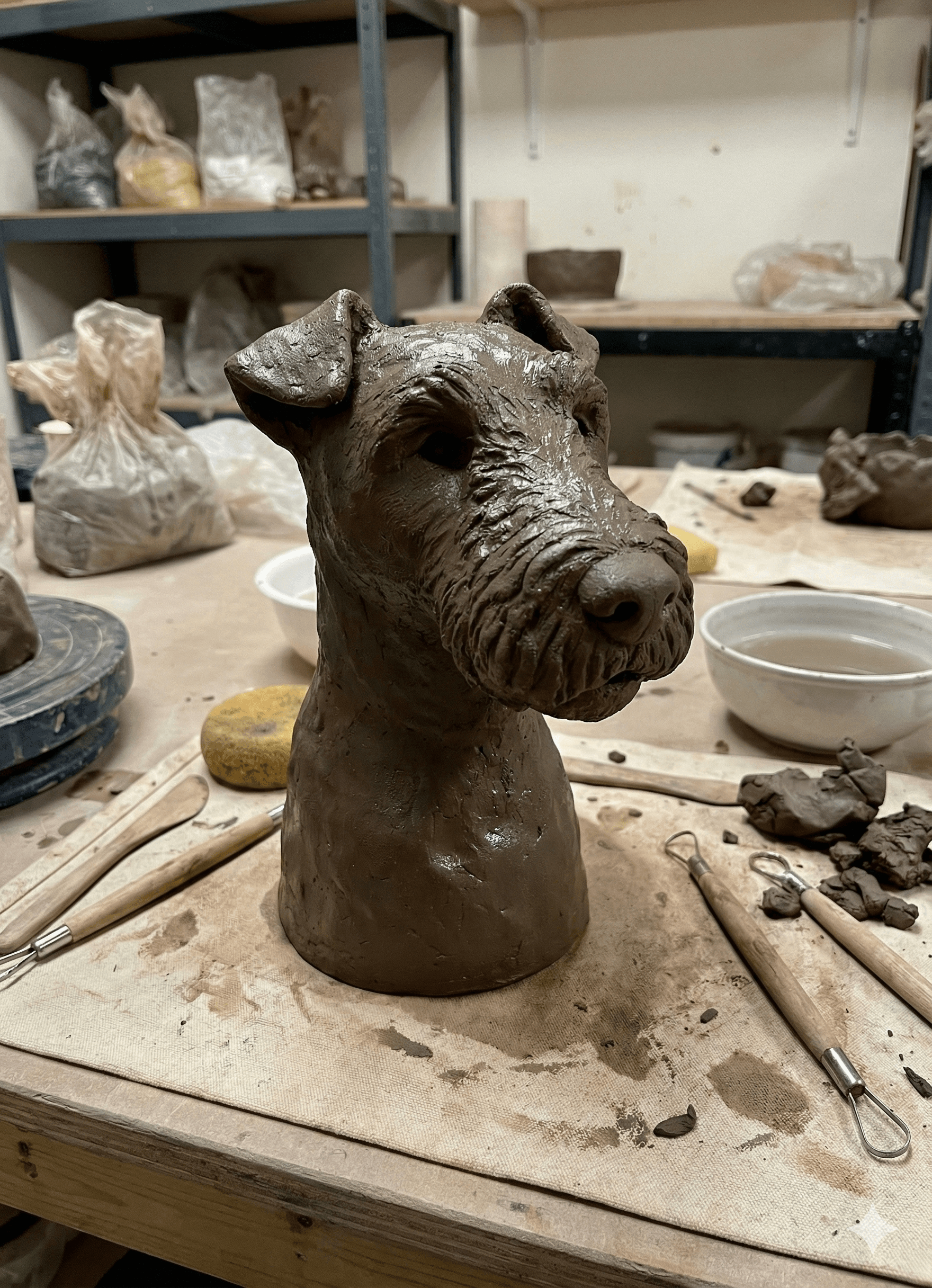
I used Clayd's WIP feedback feature to check my progress. I took a photo of my sculpture and uploaded it to the platform.
The AI analysed my work-in-progress and provided specific guidance on next steps:
- Add more texture to the fur on the snout
- Deepen the eye sockets slightly for more character
- Build up the characteristic terrier beard
What was particularly helpful was that it looked at what I'd already done and suggested specific next steps to continue developing the piece.
Applying the Feedback
I implemented the suggestions, adding texture lines for the wiry fur, refining the facial structure, and focusing on the distinctive terrier features. The feedback helped me stay on track and know what to focus on next.
The Final Result (Well, Almost!)
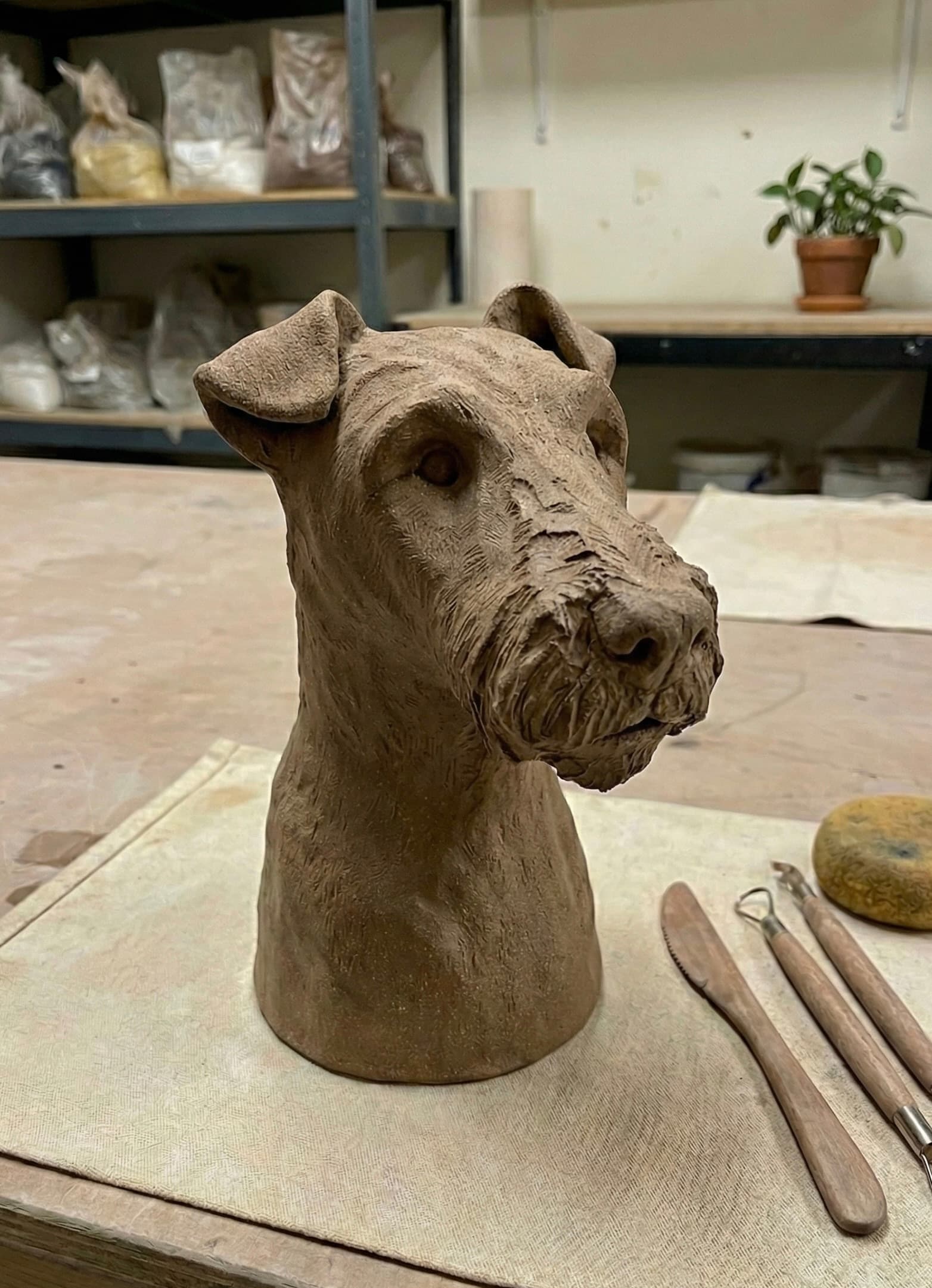
After implementing the suggestions, I left the sculpture to dry. The piece still needs to be fired and glazed, but the sculpting is complete. The feedback feature was useful for identifying what needed adjustment when I couldn't quite see it myself.
How I Used Clayd
1. Initial mockup: Uploaded a photo to get a pottery reference
2. Started sculpting: Used the mockup as a guide for basic form
3. WIP feedback: Uploaded work-in-progress when I got stuck
4. Applied suggestions: Made the specific changes recommended
5. Completed the sculpture: Finished with more confidence
For potters who work independently or want a second opinion on work-in-progress pieces, the feedback feature is a practical tool.
— Sara
Ready to Create Your Own Pottery Mockups?
Start transforming your ideas into stunning pottery designs with AI. Sign up today to begin creating!
Get Started